
Rob Run Radar Cheat: Settings and When Radar Is Enough
Every Rob Run radar setting explained, from range and rotation to clamping and opacity, plus the moments a radar alone is enough and when you want ESP back.
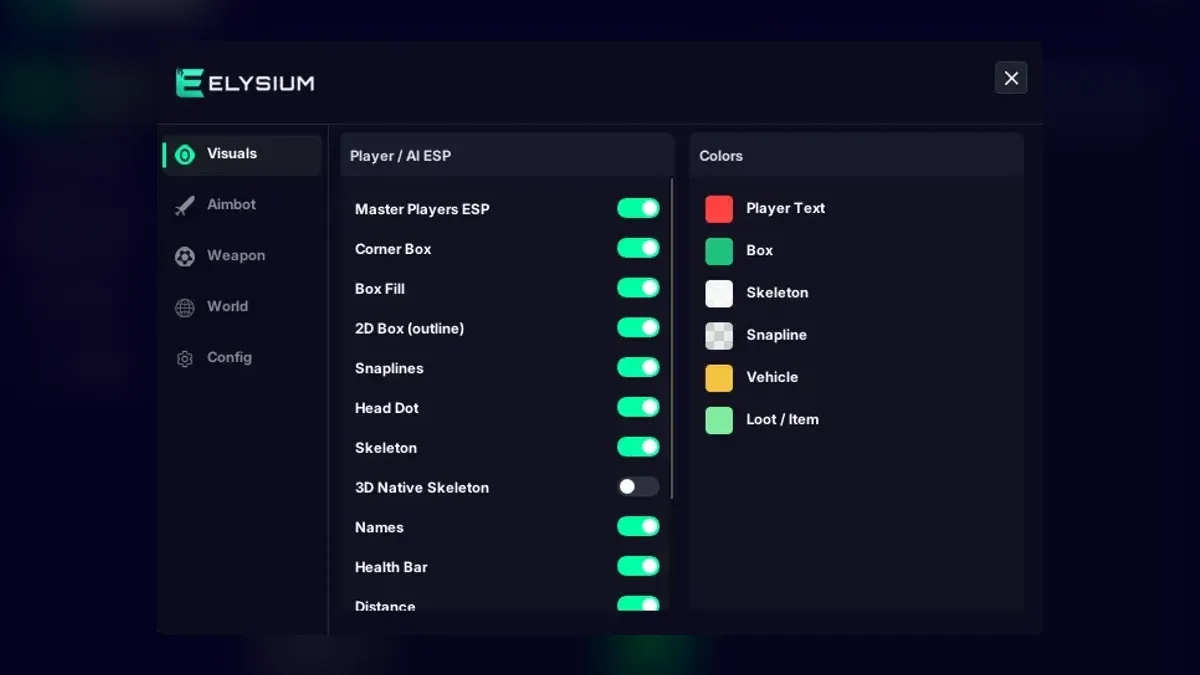
Not every session needs boxes drawn over every player. Sometimes a small map in the corner of the screen tells you everything worth knowing. The Rob Run radar in Elysium RR is that map, and it is one of the quieter parts of these Rob Run cheats. This article covers each radar setting, then gets to the more interesting question: when is the radar on its own enough, and when do you need the full ESP back?
What the radar is
The radar is a small overlay map that shows the area around you from above. You are at the centre. Other players, vehicles, and loot and cash appear as markers around you, each type switched on separately. The overlay that draws the menu draws the radar too, and you configure it from the Radar tab. Some players search for it as a Rob Run radar hack; the menu simply calls it Radar.
Every setting, explained
- Show Radar turns the map on and off. Worth binding to a feature hotkey.
- Radar Size changes how much screen space the map takes.
- Range sets how far from you the radar reaches. A short range makes nearby markers spread out and easy to read; a long range fits more but packs markers together.
- Rotate with Camera spins the map so the top always matches the way you face. With it off, the map stays fixed and you work out direction yourself.
- Show FOV Cone paints a wedge for what you can currently see, so you can see at a glance whether a marker is in front of you or off to the side.
- Show Height indicates whether a marker is above or below you, which matters in buildings with several floors.
- Clamp Out of Range pins markers beyond your range to the edge of the map, so they stay visible in the right direction instead of disappearing.
- Show Players, Show Vehicles and Show Loot & Cash pick what the radar draws.
- Background Opacity controls how solid the radar's background is. Lower values let the game show through.
A starting configuration
- Turn on Show Radar, Show Players and Rotate with Camera.
- Set a modest size, large enough to read without squinting.
- Pick a medium range, then shorten it if markers bunch up.
- Turn on Show FOV Cone and Show Height.
- Lower Background Opacity until the radar stops feeling like a block over the game.
- Add Show Vehicles and Show Loot & Cash only if you will actually use them.
Save the result in the Config tab once it feels right.
When the radar alone is enough
There are plenty of moments where a full ESP adds more clutter than information. In those moments, a Rob Run radar on its own does the job.
Driving
At speed, labels on cars and players move too fast to read. A radar with Show Vehicles and Rotate with Camera gives a steadier picture of who is around you. The car ESP chase guide covers the vehicle labels for when you do want them.
Moving between jobs
When you are crossing town, you mostly need to know whether anyone is near. The radar answers that without covering the screen.
Recording or just wanting a clean screen
If you want the game to look close to normal on your own screen, a small radar is the lightest-touch way to keep some awareness.
Learning the map
New players often find it easier to learn where things are by glancing at the radar than by reading floating labels.
When you need ESP back
The radar has limits that are worth being honest about:
- It cannot show detail. A dot does not tell you a player's role, weapon, health or KO state. Player ESP does.
- Close-quarters fights. Inside a building, knowing the exact position and posture of a defender matters more than an overhead view.
- Multiple floors. Show Height helps, but in a dense building ESP is easier to read.
- Objects. Safes, key doors, cameras and buyers are World Markers, not radar entries. The world markers guide covers those.
A balanced approach is to run the radar all the time and bind Master Players ESP to a hotkey, bringing player ESP in only when a fight starts.
Radar and risk
A radar-only setup sounds modest, but it is still a Rob Run cheat running in a game protected by Easy Anti-Cheat, and the ban risk comes with it. For the complete Radar tab and everything else in the menu, see the Rob Run cheats page.
Related: Rob Run Cheats Weapon Tab: Recoil, Rapid Fire, Risk Labels · Free vs Paid Rob Run Cheats: An Honest Side-by-Side Look · Rob Run Cheats for Cops: Roles, KO Status and Patrol Cars
Get Rob Run cheats
The same ESP and aimbot features covered in this guide — instant key delivery and a setup guide in your account.
Get Rob Run cheats Rob Run cheat purchase link